
What your pet really costs, in black and white
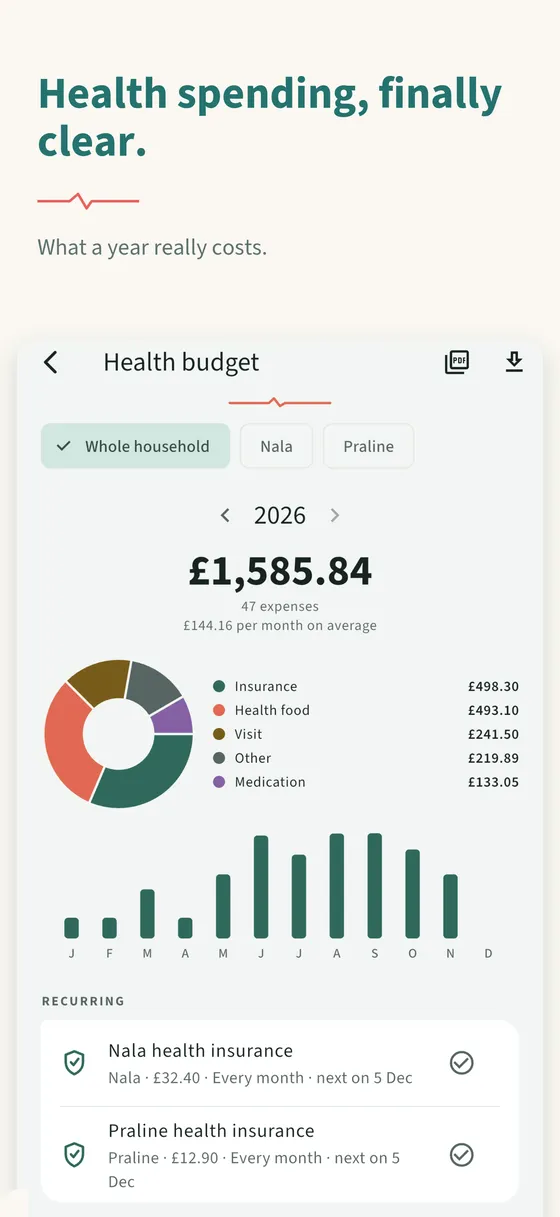
How much does your pet really cost you in a year? Consultations, medication, food, insurance — AnimaPulse's health budget files each expense by category and shows the year's total. It is not part of Premium.
Updated on 11 November 2026
Nobody knows what their pet costs
You remember the operation, rarely the box of wormer, the check-up, the repeat prescription or the insurance taken every month. Added up, those small lines weigh a lot — and they show up nowhere until they are brought together.
How it works
Step 1
Log the expense or the invoice
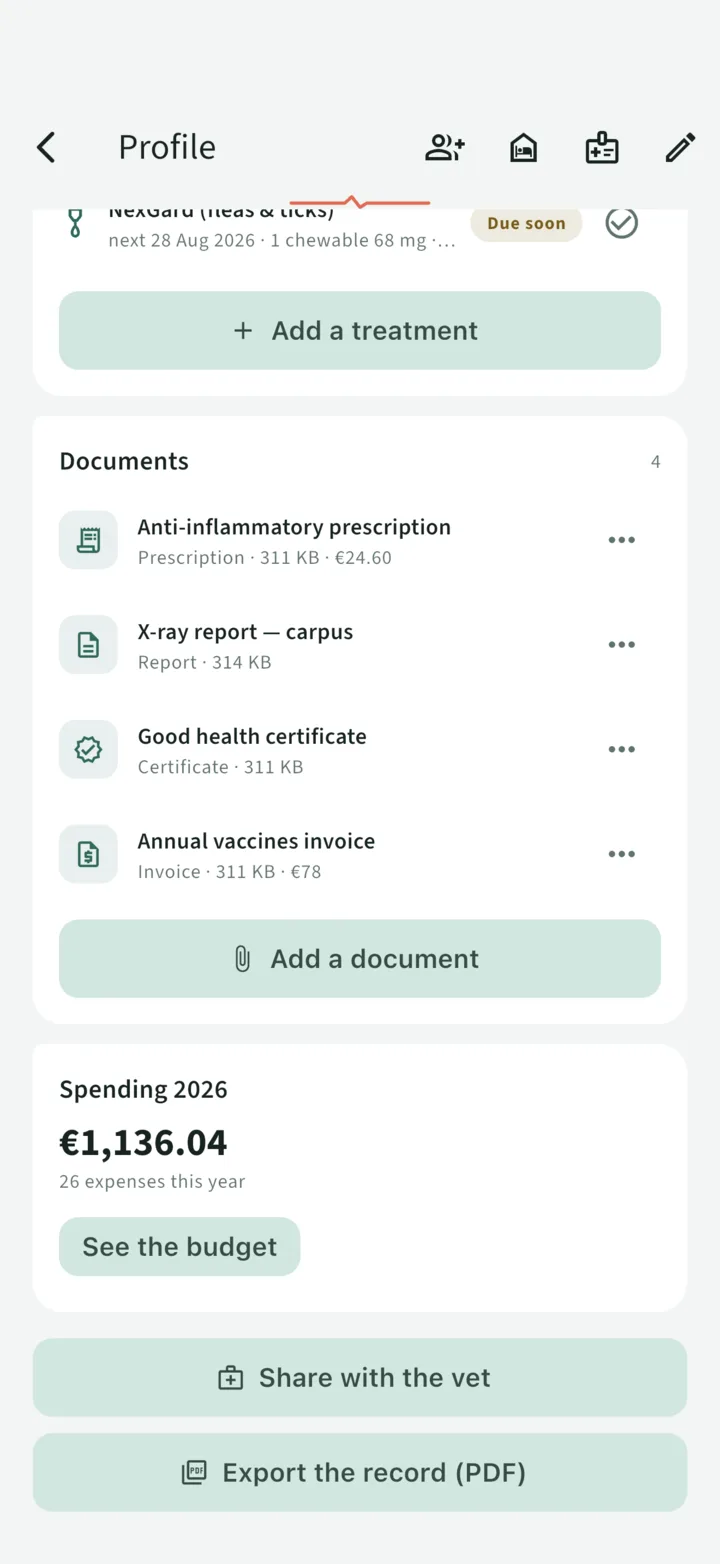
On the profile, add an expense with its category, or scan the invoice from the form: the amount, label and date are offered.
Step 2
Read the year's total
The Budget screen shows the total, a ring by category, the bars month by month and the monthly average — per pet or for the whole household.
Step 3
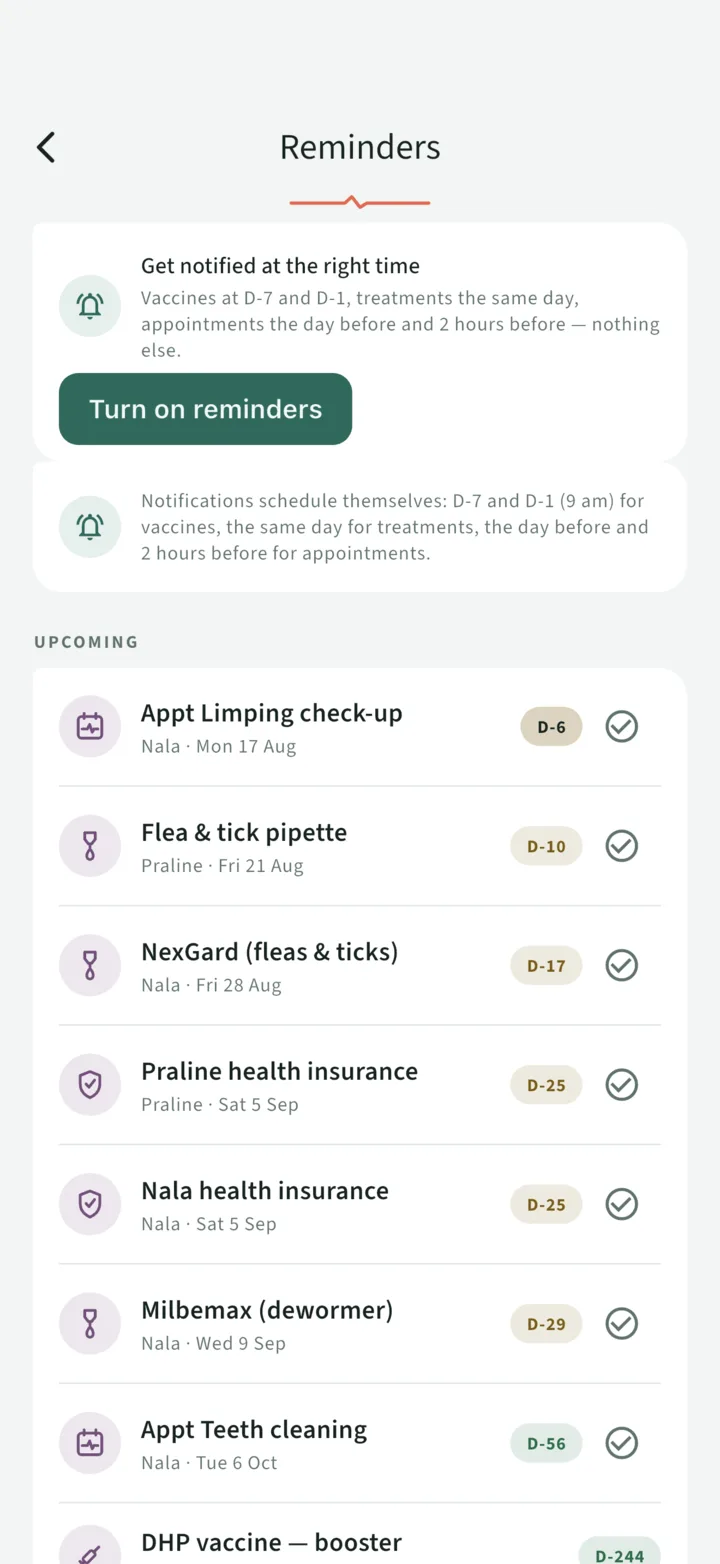
Let recurring costs reschedule
Insurance is entered once. You mark it "Paid": its amount is added to the year, and the next due date is scheduled.
What the health budget does
- Five categories: consultation, medication, insurance, food, other.
- Recurring costs: monthly insurance is entered once. Mark it "Paid" and its amount is added to the year, and the next due date is scheduled.
- The amount of an invoice: from the expense form, "Scan a document" reads the amount, the label and the date and offers them; the invoice is filed in the record's Documents.
- Readable charts: a ring by category, bars month by month, the monthly average.
- Per pet or for the whole household, year by year.
- An export of the year as CSV (for a spreadsheet) or as PDF (to show an insurer).
What you can do with it
- Deciding on insurance. Comparing an annual premium with what you actually spent over the previous two years is no longer a bet: it is a subtraction.
- Spotting a drift. Three consultations for the same complaint in six months show up on a chart long before they show up in memory.
- Setting money aside. Knowing what a dog costs in your household lets you provision the right amount.
Free, and that is not a detail
The health budget is not a Premium feature: entry, charts and the exports of the year are in the free offer, which covers one pet.
| What it covers | Free | Premium |
|---|---|---|
| Expenses by category, recurring expenses, charts | ✓ | ✓ |
| Export of the year as CSV and PDF | ✓ | ✓ |
| Animals | 1 | Unlimited |
| PDF export of the health record | — | ✓ |
Premium adds, among other things, unlimited pets, family sharing, vet sharing, sitter mode, PDF export of the record and 10 GB of documents.
Frequently asked questions
Does the health budget cost anything?
No, it is not a Premium feature. The offer without Premium covers one pet; to track several, you need Premium.
Which expense categories are there?
Five: consultation, medication, insurance, food and other.
Can I export my expenses?
Yes. The Budget screen exports the year as CSV, for a spreadsheet, or as PDF, to show an insurer.
How does a recurring expense work?
You enter it once, with its frequency. When you mark it "Paid", its amount is added to the year's budget and the next due date is scheduled.
Health spending, finally clear
Each expense filed by category, and the real cost of the year in plain sight.
Read next
What a dog or a cat really costs per year
The spending categories for a dog and a cat, what actually weighs on the year, and why nearly every owner underestimates the total. Track your own, free.
Digitise your pet's health record, without retyping it
Photograph a page of the record, a prescription or an invoice: AnimaPulse reads the date, the vaccine, the batch number or the amount and offers to pre-fill the entry. The text is read on your phone.
Worming a puppy or a kitten
ESCCAP has a puppy treated from the 14th day after birth and a kitten from 3 weeks of age, then every 2 weeks until 2 weeks after weaning. Indicative figures with sources; your vet decides.
Page updated on 11 November 2026.